How to Reset All Default Apps in Windows 11 Back to Microsoft Defaults
Published on: 24/05/2026
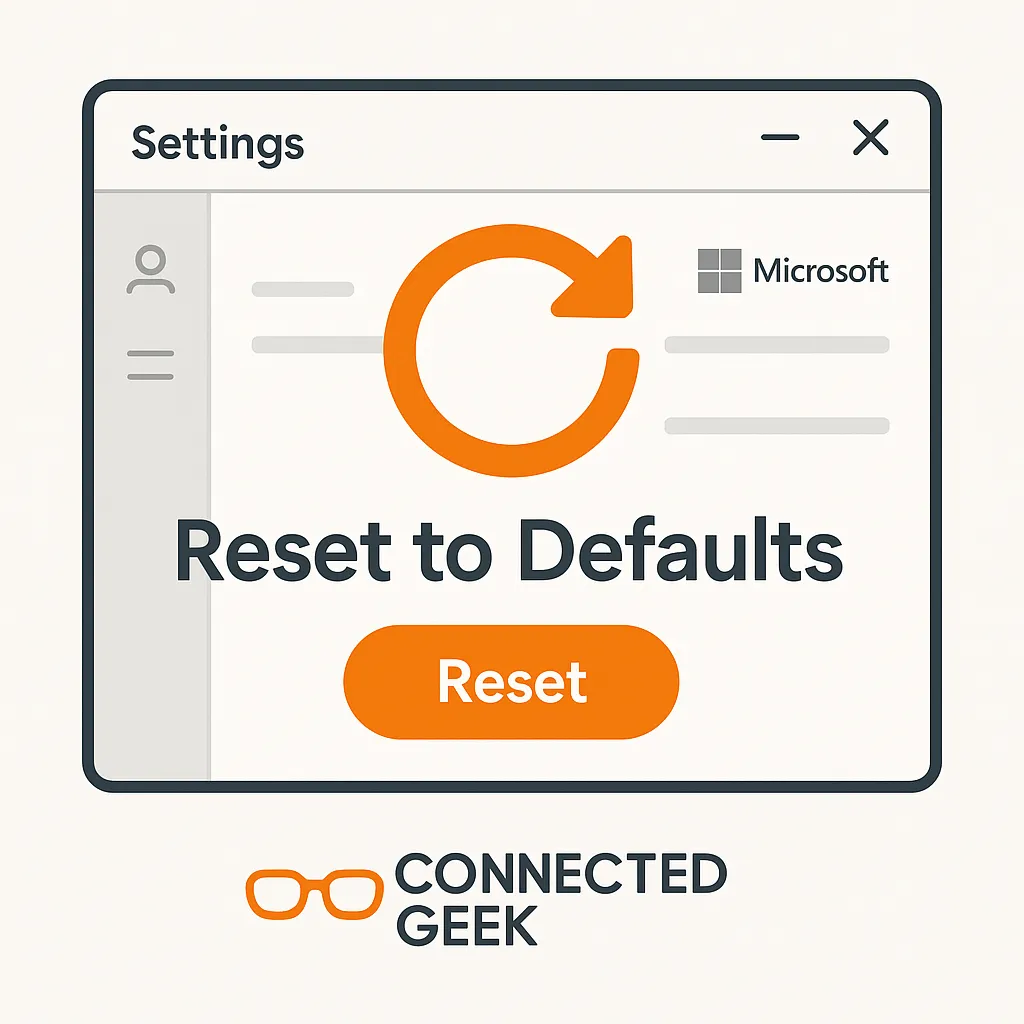
Settings → Apps → Default apps → scroll to Reset — all file associations back to factory defaults in one click. Handy after an app install takes over.
Windows 11default appsreset defaultsMicrosofttroubleshootingapp settings
Windows 11 File Associations Explained: Which App Opens Which File?
Published on: 24/05/2026
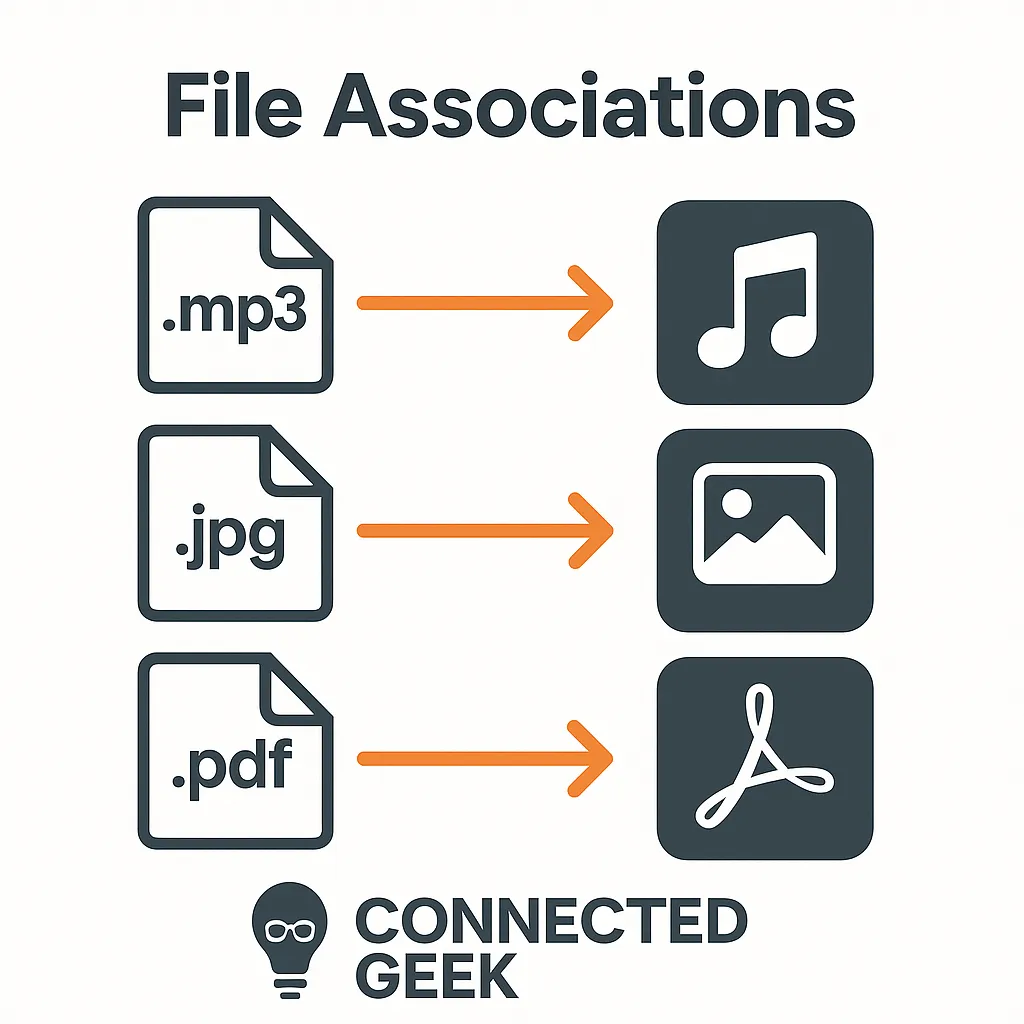
Every file extension (.mp3, .jpg, .docx) is linked to a default app — and you can change any of them in Settings → Apps → Default apps.
Windows 11file associationsbeginner guidePC controlapp settings
Set Default Apps in Windows 11 Easily
Published on: 05/05/2026
Learn how to set default apps in Windows 11 without confusion. Customize your app preferences for browsing, email, PDFs, and more.
Windows 11default appshow-to guideapp settingscustomize WindowsWindows tutorial